In today’s fast-paced business environment, time is one of the most valuable resources. Many professionals spend hours each day on repetitive, low-value tasks that reduce productivity and slow growth. This is where AI powered automation tools make a powerful difference.
In this guide, you’ll learn how to automate daily tasks with AI tools, improve efficiency, reduce errors and free up time to focus on strategic work.
Why Automate Daily Tasks With AI?
AI automation goes beyond simple rule based systems. It uses machine learning and intelligent decision making to handle tasks dynamically and at scale.
Key benefits include:
- Time savings across teams and departments
- Reduced human error
- Faster task completion
- Better consistency and accuracy
- Improved focus on high impact work
By automating routine activities, businesses can operate smarter not harder.
Common Daily Tasks AI Can Automate
AI tools can handle a wide range of everyday business tasks across different workflows.
✔ Administrative tasks
✔ Email management
✔ Data entry and processing
✔ Scheduling and reminders
✔ Content creation
✔ Customer support
Let’s explore how AI automates these tasks in practice.
1. Automating Email Management

Managing emails is one of the biggest productivity drains. AI tools can automate email workflows by organizing, responding and prioritizing messages.
AI can:
- Sort emails by importance
- Generate draft replies
- Flag urgent messages
- Schedule follow ups
- Reduce inbox clutter
This allows professionals to spend less time managing emails and more time making decisions.
2. AI for Task & Schedule Automation

AI-powered scheduling tools analyze calendars, availability and priorities to automate daily planning.
AI helps by:
- Scheduling meetings automatically
- Sending reminders
- Avoiding conflicts
- Suggesting optimal time slots
This reduces back and forth communication and keeps workflows running smoothly.
3. Automating Data Entry & Reporting
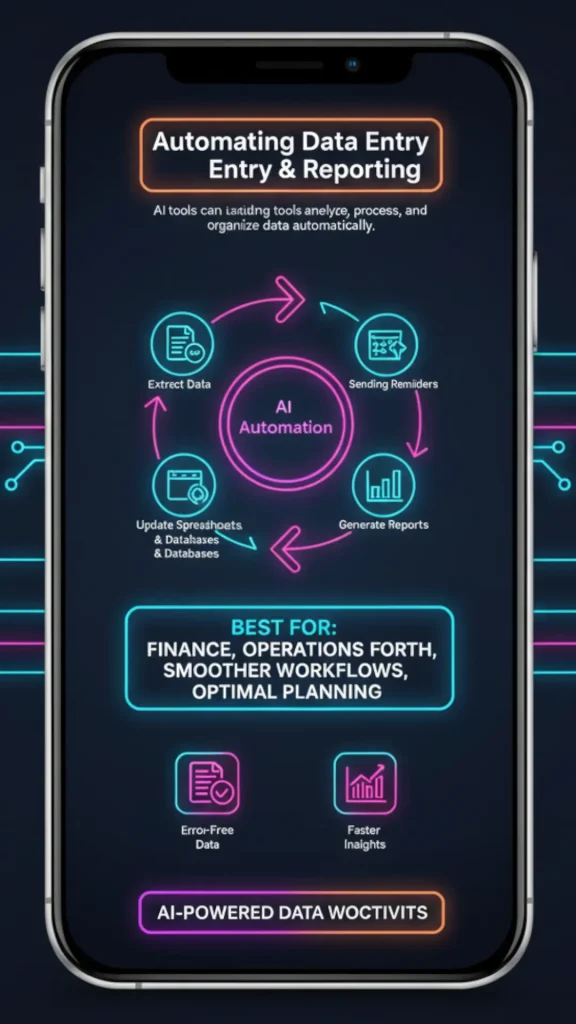
Manual data entry is time-consuming and prone to errors. AI tools can extract, process and organize data automatically.
AI can:
- Extract data from documents and forms
- Update spreadsheets and databases
- Generate reports
- Detect inconsistencies
This is especially useful for finance, operations and analytics teams.
4. Content Creation & Documentation Automation
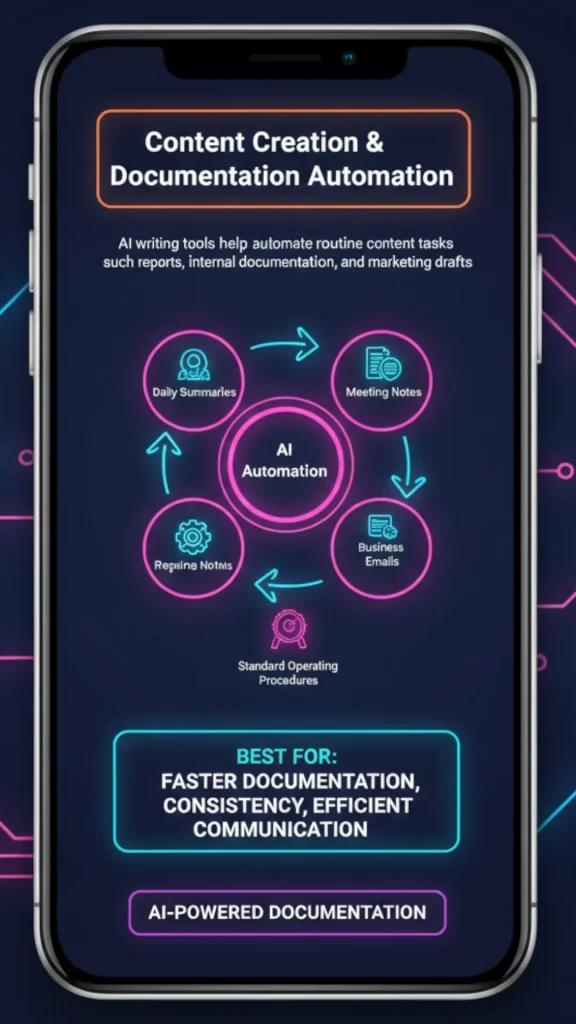
AI writing tools help automate routine content tasks such as reports, internal documentation and marketing drafts.
AI can generate:
- Daily summaries
- Meeting notes
- Business emails
- Reports and presentations
- Standard operating procedures
This speeds up documentation while maintaining consistency.
5. Customer Support & Communication Automation

AI chatbots and virtual assistants automate customer interactions without sacrificing responsiveness.
AI helps by:
- Answering frequently asked questions
- Routing tickets automatically
- Providing instant responses
- Collecting customer information
This improves response times and reduces support workload.
6. Workflow Automation Across Tools

AI powered automation platforms connect multiple apps and tools to streamline business workflows.
AI can:
- Trigger actions between apps
- Automate approval processes
- Sync data across platforms
- Handle multi step workflows
This eliminates repetitive manual processes and improves operational efficiency.
Popular AI Tools for Daily Task Automation
Some widely used AI automation tools include:
- AI task management assistants
- AI email automation tools
- Workflow automation platforms
- AI chatbots and virtual assistants
- AI-powered document processing tools
These tools integrate easily with existing business software.
Best Practices for Automating Tasks With AI
To successfully automate daily tasks:
- Start with repetitive, time consuming processes
- Define clear workflows and goals
- Combine AI automation with human oversight
- Test and refine automations regularly
- Ensure data security and compliance
Automation should enhance productivity not complicate workflows.
Challenges to Watch Out For
While AI automation is powerful, it’s important to:
- Avoid over-automation
- Monitor AI decisions
- Maintain human judgment for critical tasks
- Keep systems updated and trained
Balanced implementation ensures long-term success.
Final Thoughts
AI tools are transforming how businesses manage daily operations. By learning how to automate daily tasks with AI tools, organizations can save time, reduce costs, and improve overall efficiency.
When used strategically, AI becomes a reliable digital assistant handling repetitive work while humans focus on creativity, strategy and growth.